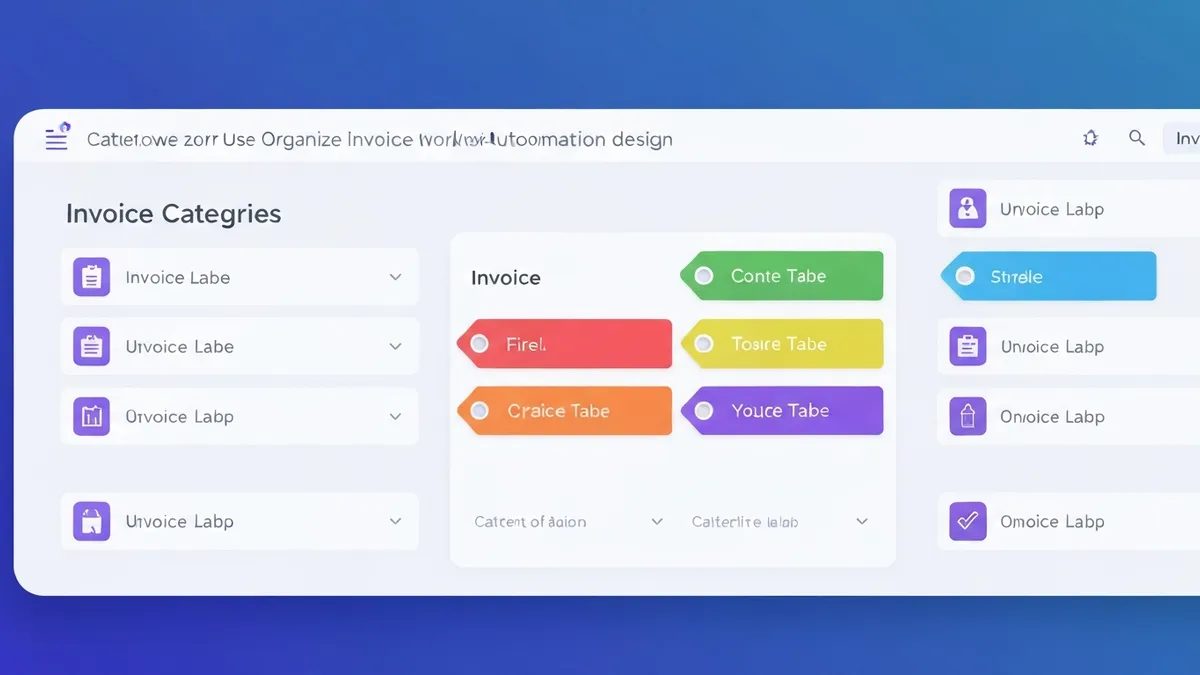
Every webshop is unique. Maybe you sell to both consumers and business customers, or you have products with different VAT rates, or you sell through multiple channels. With invoice rules per order tag in MoneybirdSync, you automatically apply the right invoice settings for every situation.
What are order tags in Shopify?
Tags in Shopify are labels you can add to orders to categorize them. This can be done manually, but also automatically via Shopify Flow, apps or your own checkout logic. Examples of tags webshops use:
- b2b or wholesale for business customers
- export for orders outside the EU
- pos for point-of-sale orders
- subscription for subscription orders
- high-value for orders above a certain amount
Setting up invoice rules in MoneybirdSync
In the Professional plan of MoneybirdSync you set rules that determine which invoice settings are used based on order tags:
- Go to the MoneybirdSync dashboard
- Open "Invoice Rules"
- Click "Add new rule"
- Enter the Shopify tag the rule applies to
- Set the desired invoice settings for this tag
- Save and the rule is immediately active
Examples of invoice rules
B2B customers
For orders with the tag "b2b": use invoice template with 30-day payment term, ledger account 8000 (business revenue), and disable automatic sending so you can check the invoice first.
Wholesale
For orders with the tag "wholesale": use a separate ledger account, an invoice template without VAT (reverse charge), and save the invoice as draft for approval.
Product category
If you sell products with 9% VAT (like food or books), you can use a tag to automatically detect this and apply the correct VAT rate.
More than one tag
An order can have multiple tags. MoneybirdSync handles this intelligently: if an order has multiple tags that match rules, the most specific rule is applied. The order of rules is configurable.