Running a successful Shopify webshop requires more than just great products and marketing. A solid administrative foundation ensures you always know where you stand financially, and helps you avoid problems with the tax authorities. In this guide, we walk you through complete Shopify webshop administration.
What does Shopify webshop administration involve?
For every Shopify webshop, good administration includes:
- Sales invoices: A proper invoice for every order
- VAT administration: Correct VAT calculation and reporting
- Payment registration: All incoming payments recorded
- Credit notes: Correct processing of returns and refunds
- Contact management: Up-to-date customer records
The manual approach: time-consuming and error-prone
Many Shopify store owners start by manually creating invoices in Moneybird. This quickly becomes unmanageable:
- Each invoice takes 3-5 minutes to create
- Payment registration takes another 1-2 minutes per order
- Returns require manual credit notes
- Human errors are inevitable with repetitive work
With more than 20 orders per day, you're spending over 2 hours daily on administration alone.
The automated approach with MoneybirdSync
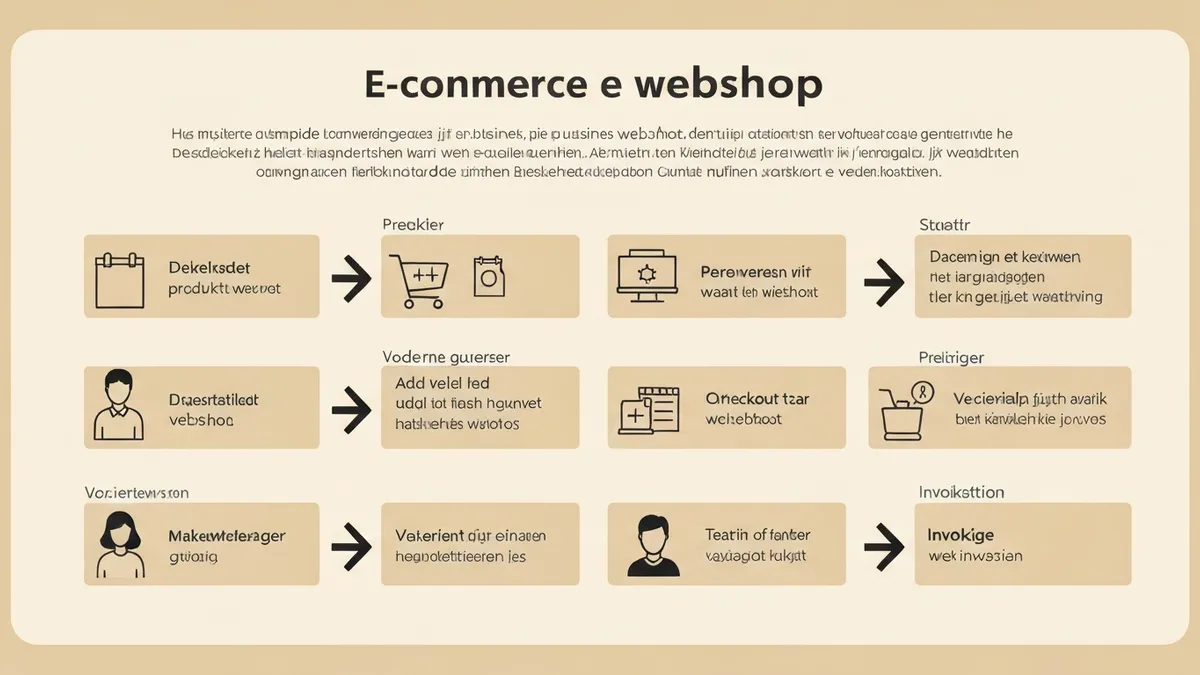
MoneybirdSync transforms your Shopify administration into a fully automated process:
- Order placed: Shopify notifies MoneybirdSync via webhook
- Contact created: Customer is found or created in Moneybird
- Invoice generated: All order lines, VAT and discounts are processed
- Payment registered: Paid orders are immediately marked as paid
- Invoice sent: Customer receives their invoice by email (optional)
- Returns handled: Refunds automatically generate credit notes
Moneybird as your accounting foundation
Moneybird is an excellent accounting software for Shopify entrepreneurs. With MoneybirdSync connecting the two, you get:
- Real-time insight into your revenue and outstanding invoices
- Correct VAT overview for your quarterly returns
- Complete audit trail for every transaction
- Automatic reconciliation with your bank accounts
Getting started in 10 minutes
Setting up MoneybirdSync is simple and requires no technical knowledge. Connect your Shopify store and Moneybird account, configure your invoice preferences, and your administration runs on autopilot from that moment on.